Usually, a logo embedded in header on a blog or website but not all blogger have knowledge to create a logo for their blog. Yesterday there are visitors who ask how I change the logo on the tricks theme. If you have any knowledge about photoshop you can create a logo using the program easily. But for novice users might it so hard to create logo using the program. The solution to create a instant logo you can using SUPALOGO.
SUPALOGO is online logo generator and it free. In the supalogo website you can create instant logo just in a few simple click. The output logo created in supalogo.com is in PNG image format. But unfortunately in supalago.com there is no option to insert the image on the logo which we will create.
Here the tricks-collections.com’s logo that created using supalogo.com.

How to Create a Logo Using SUPALOGO
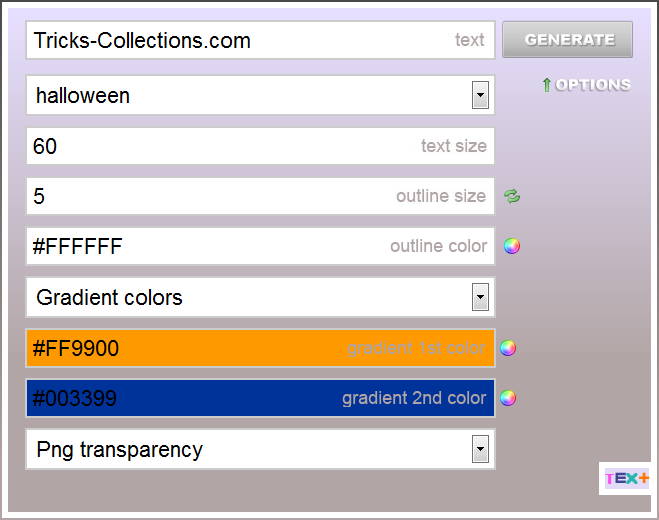
- Open Supalogo.com. Type word or phrase for logo in the text filed. Click option to change color of logo, font, text size, and more
- Click “Generate” button to create your log
- Click download button to download the logo to your computer.

If you have download and install Tricks Theme in your blog I hope this post can helpful for you.

No comments:
Post a Comment